
Belancia vs QuickBooks: choose the fit for your operations
Compare a connected ERP operating model with accounting-focused software as your business needs expand beyond the books.
Freelancers and very small teams that only need bookkeeping and invoicing, with no inventory or multi-branch operations.
Growing businesses that need accounting, inventory, sales, purchasing and branches working from one connected system.
Low. Belancia's onboarding team imports your chart of accounts, customers and opening balances for you.
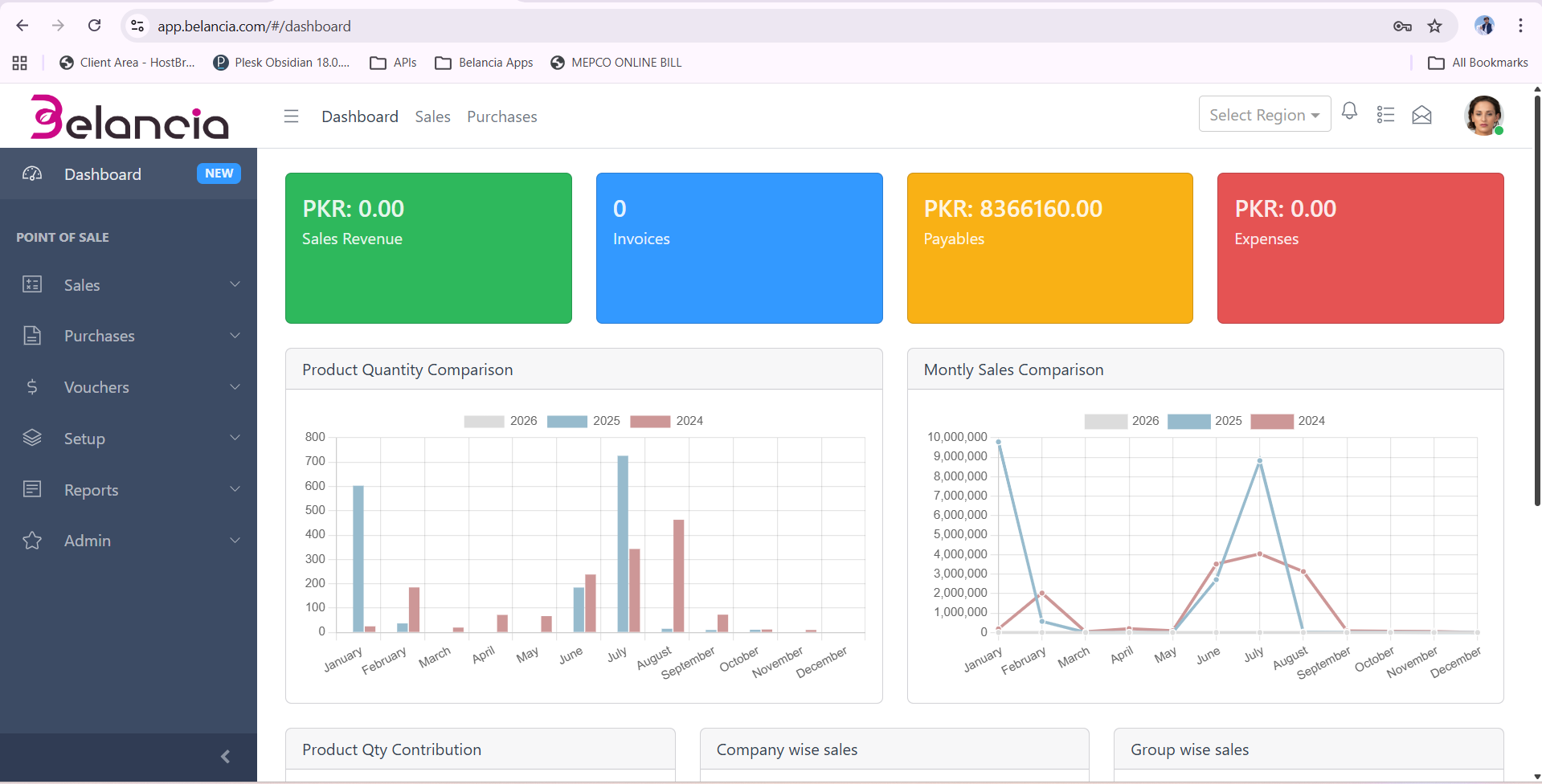
QuickBooks keeps the books. Belancia runs the business.
Inventory that updates itself
Stock levels move automatically with every sale, purchase and transfer — no separate spreadsheet to reconcile against your books.
One system for multiple branches
See consolidated and per-branch numbers side by side, instead of exporting and merging files from each location.
Sales and purchasing built in
Quotes, orders, invoices and purchase orders flow straight into accounting — nothing re-entered by hand.
Belancia vs QuickBooks at a glance
A practical look at what each platform covers as your operations grow.
| Capability | Belancia | QuickBooks |
|---|---|---|
| Core accounting & bookkeeping | ||
| Real-time inventory management | ||
| Multi-branch / multi-location | ||
| Sales & purchase order workflows | ||
| Role-based user access | ||
| Manufacturing / production tracking | ||
| Built for Pakistani tax & currency | ||
| Local onboarding & support |
= possible via limited or third-party add-ons
What outgrowing QuickBooks looks like
Stock you can't trust
Inventory tracked outside QuickBooks in spreadsheets drifts from reality, leading to stockouts or overstocking.
Branches that don't talk
Every additional location means another file to consolidate manually before you know your real numbers.
No control over who sees what
As teams grow, you need role-based access — not one shared login for accounting, sales and stock.
Moving from QuickBooks to Belancia
Export your data
We pull your chart of accounts, customers, vendors and opening balances from QuickBooks.
Guided import
Our onboarding team maps your data into Belancia and validates balances against your books.
Team training
Live walkthroughs for accounting, sales and inventory staff so day one goes smoothly.
Go live
Run both systems in parallel for a short overlap, then switch fully once you're confident.
Belancia vs QuickBooks FAQ
See how Belancia replaces QuickBooks and your stock sheet
Book a free walkthrough and bring your real numbers...